Best Linux Developer Tools for Real-World Coding: My Go-To Stack
Learning dev tools from beginner to Advanced level
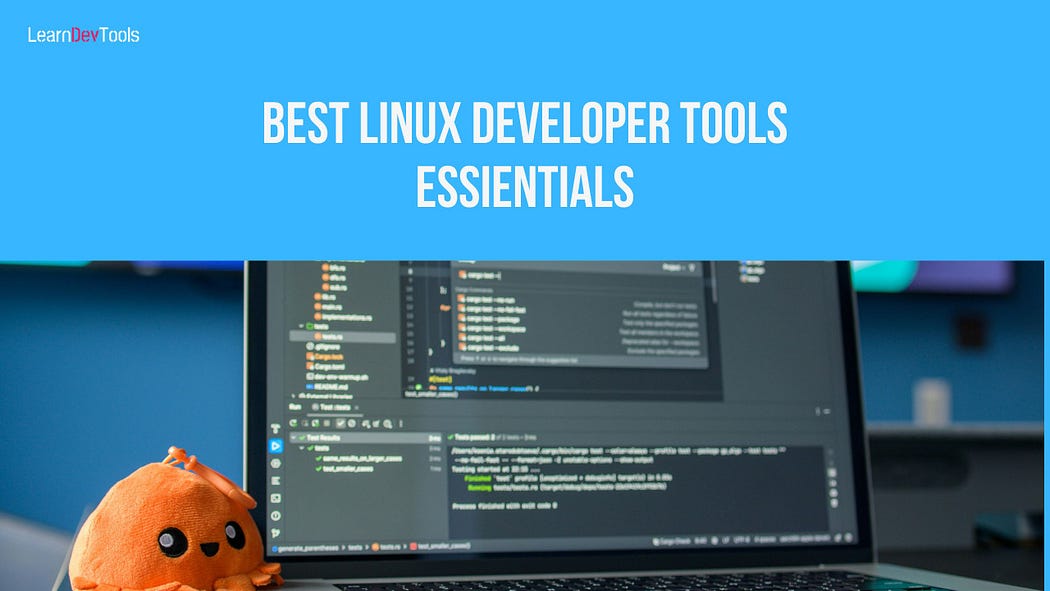
When I started cleaning up my Linux workflow, I realized something obvious that I had ignored for years. Productivity didn’t come from installing more tools. It came from choosing a small set that worked together without friction. Before diving into the details, here is the toolkit that shaped my daily development routine and actually stayed installed on my machine.
1. Code editors / IDEs
VS Code / VSCodium
JetBrains IDEs (IntelliJ, PyCharm, WebStorm)
Neovim
2. Version control & repositories
Git (CLI first)
GitHub / GitLab (for collaboration)
3. Shell, terminal, productivity
Fish or Zsh
Kitty, Tilix, or Terminator
tmux (session management and panes)
4. Automated testing & CI
pytest, Jest, PHPUnit (depending on language)
GitHub Actions or GitLab CI (basic pipelines)
5. Containers & environments
Docker or Podman
docker-compose for multi-service setups
6. Debugging, profiling, databases
gdb / lldb
Valgrind
DBeaver or DataGrip
7. Design and architecture thinking
Excalidraw
PlantUML
draw.io
8. AI helpers (used carefully)
GitHub Copilot
Codeium
Cursor or similar AI coding assistants
9. Two practical stacks
Free stack: VS Code or Neovim, Git, tmux, Docker, CI, DBeaver, Excalidraw
Paid-plus stack: JetBrains IDEs, Copilot, DataGrip, managed CI minutes
If any of these tools catch your attention, I break them down in more detail in the full guide, with examples of how they fit into real projects.
